Add Documents/References
You must cite a reference to support any claims made on a Genopsis page.
We follow the APA author-date reference citation system for in-text references, unless you are using the built in * reference feature which adds citations like so: [1]
Example narrative citation
Lemgruber et al. (2019) identified the protein encoded by this gene as a regulator of the Wood-Ljungdhal pathway.
Example parenthetical citation
The protein encoded by this gene is a regulator of the Wood-Ljungdahl pathway (Lemgruber et al., 2019).
Instead of providing a reference list at the end of the text, we attach references as documents to the Genopsis page.
How to add references
There are two steps: attach the referenced document to the page, then add the in-text citation with a hyperlink to the referenced document.
Attach the referenced document
- Scroll to the Documents section of the page and click Add.

- Add an external database link or attach a file. Database links include Biocontrol, SharePoint and scientific journal articles.
- How to add a journal article
- Select Digital Object Identifier (DOI) and enter the DOI for that article.
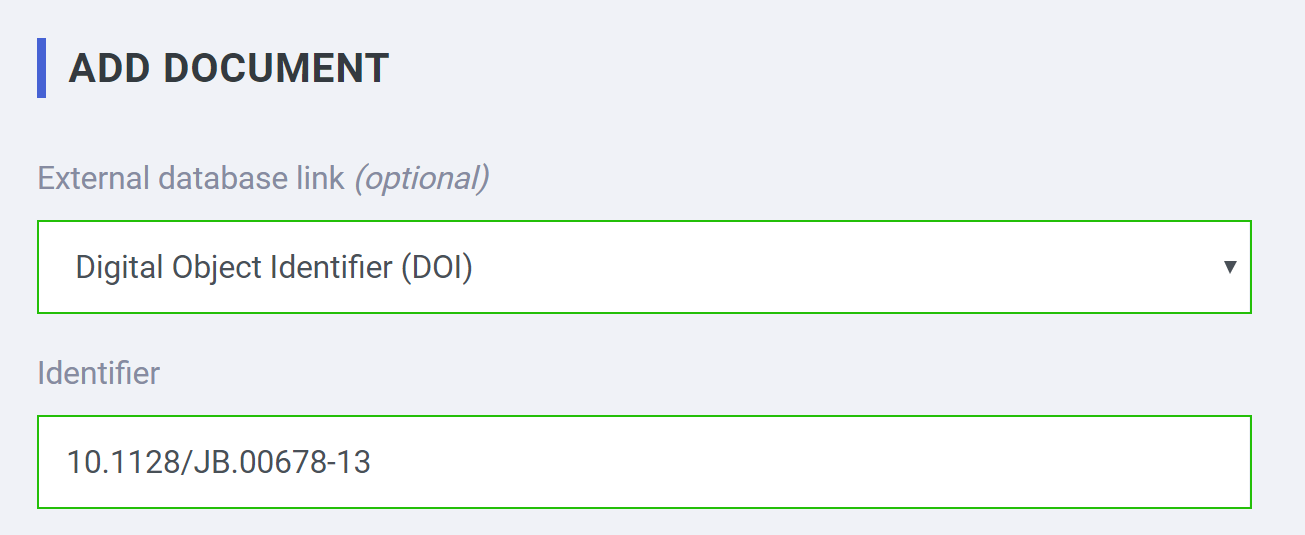
- Write the name as: Article title (author, date).
- Write an article description. You must state why the article is relevant to the current Genopsis page.
- Select Digital Object Identifier (DOI) and enter the DOI for that article.
- How to add a PowerPoint presentation or PDF report
- Don't select an external database. Instead, drop the file onto the upload box.
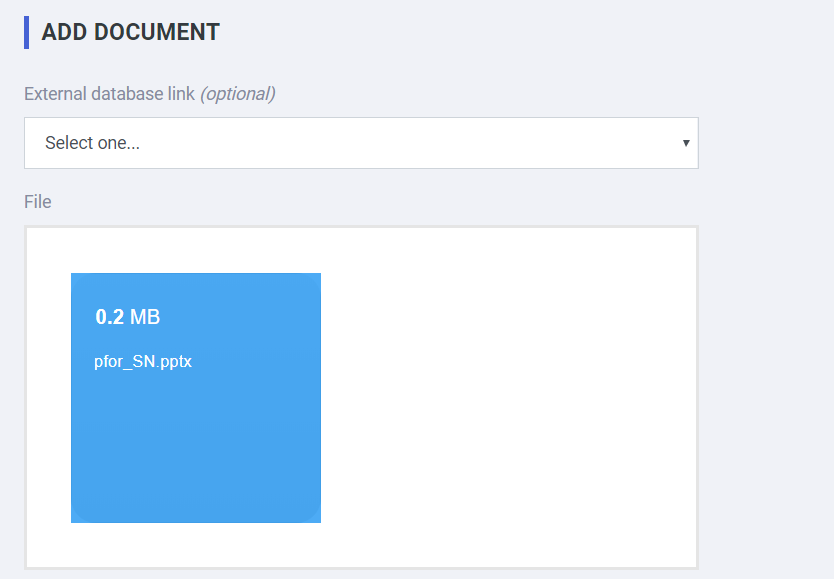
- Write the name as: Document name (author, date).
- Write a document description. You must state why the document is relevant to the current Genopsis page.
- Don't select an external database. Instead, drop the file onto the upload box.
- How to add a journal article
- Click Save
Add the in-text citation with a hyperlink to the referenced document
We use markdown to format Genopsis articles. Use markdown code to turn an in-text citation into a hyperlink.
- Locate the document you attached in the documents list.
-
Right click on the document name and copy the file/link address.
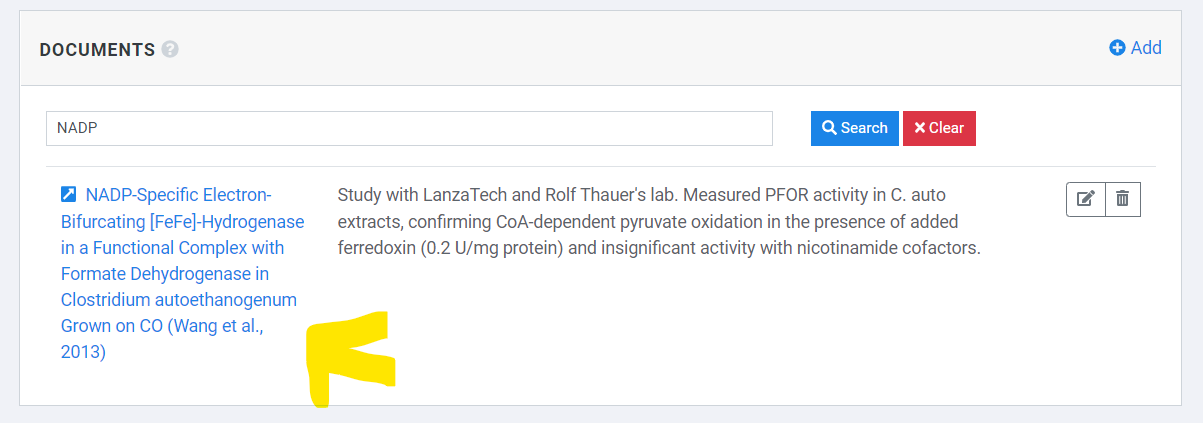
- Edit the page description and include the following code for an in-text citation
Sentence ([Author, Date](hyperlink you just copied))
Example:
Magnesium is essential for all life ([Wackett, Dodge & Ellis, 2004](https://doi.org/10.1128/AEM.70.2.647-655.2004)).
Magnesium is essential for all life (Wackett, Dodge & Ellis, 2004).
Special cases
Reports or data from confidential customer projects
Do not attach documents from confidential customer projects. Instead, include the project code, the short name for the project and the date of the report.
Using kinetic modeling, LanzaTech predicted that knocking down LTMG3_5590 increases ethanol production (P6754 Ethanol, 2019).
The reader can contact the project manager for approval to access the report.
Personal communication
Use the following format for knowledge transmitted by personal communication that is not summarized in a report.
... (Mueller, personal communication, 2019)
Lab books
Use the following format for data in old lab books that is not summarized in a report.
... (Nagaraju, Lab book, 2012)
Websites
Enter the page link under Save page now to "capture a web page as it appears now for use as a trusted citation in the future."
Please email us if you have any other referencing questions.